Best Prebuilt Gaming PC Under $1,000
What to look for in a prebuilt gaming PC under $1,000, and which spec combinations actually deliver good value.
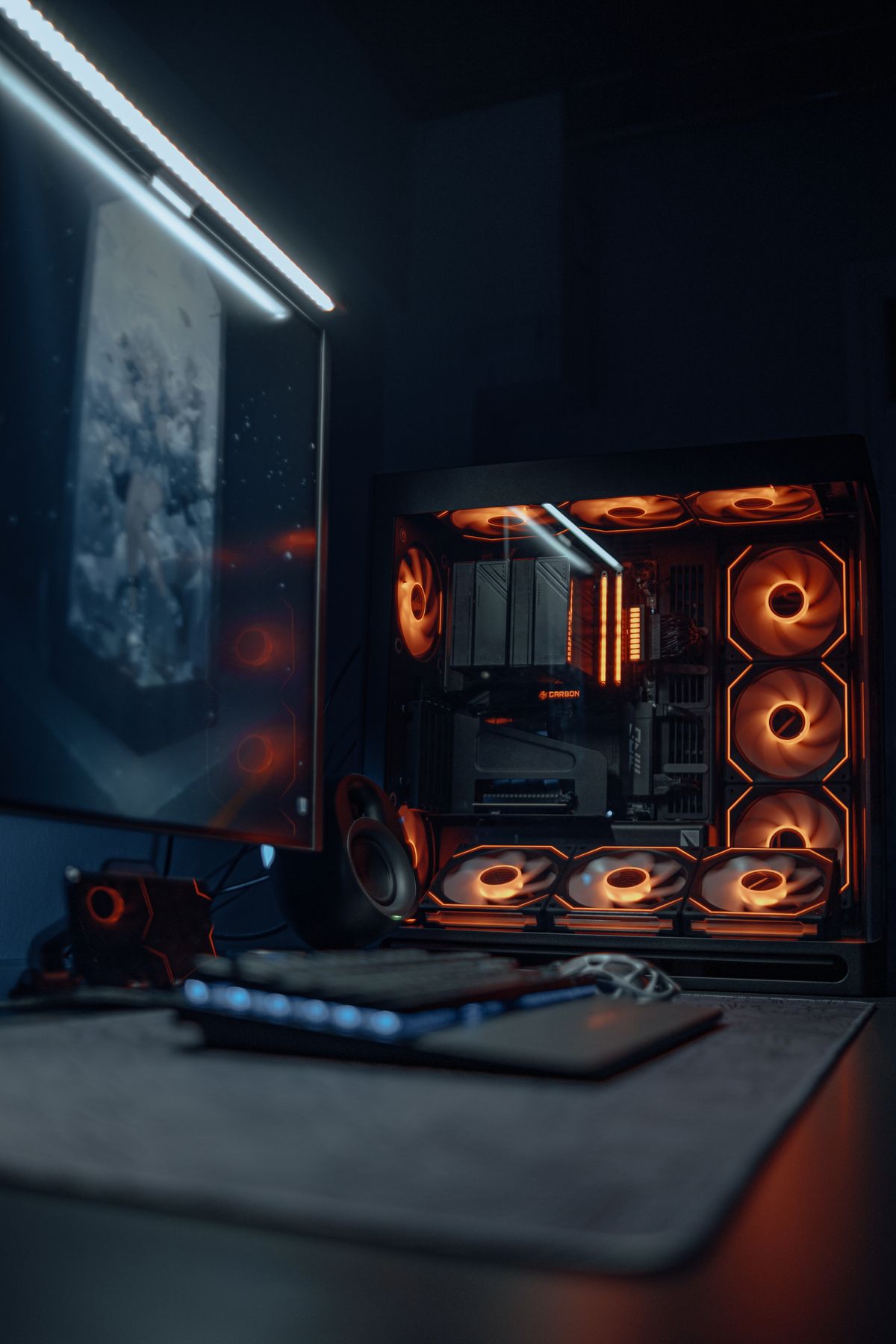
Prebuilt gaming PCs have improved significantly in value over the past few years, especially in the $800–$1,000 range. That said, the space still has plenty of bad deals buried in flashy cases. This guide covers what actually matters when buying a prebuilt, which systems stand out at this price, and what to avoid.
Why Buy a Prebuilt vs. Build Yourself
The honest answer: building your own PC typically gets you 10–20% better performance per dollar at the same price point. But prebuilts make sense in a few specific situations:
Good reasons to go prebuilt:
- You want a warranty that covers the whole system (not per-component)
- You're not comfortable with assembly and don't want to risk damaging parts
- You need a working PC quickly without research time
- You're buying for someone else who needs plug-and-play
Where prebuilts fall short:
- The PSU is often a weak point — manufacturers cut costs there since it's not a selling spec
- Proprietary cases and motherboards can limit GPU or storage upgrades
- You're often paying a $50–$150 assembly premium vs. self-build
- RAM is sometimes installed as a single stick (slower than dual-channel) — check before buying
If you're comfortable doing research, our $600 custom build guide will get you more performance for less. If you want something ready to go, read on.
What to Check Before Buying
Before clicking buy on any prebuilt, verify these five things:
- The GPU model — marketing copy says "NVIDIA GeForce" but the model matters. RTX 4060 and GTX 1650 are both "NVIDIA" but one is three generations newer. Look up the exact GPU in benchmarks.
- RAM configuration — is it 2x8GB (dual channel) or 1x16GB (single channel)? Single channel loses 10–20% GPU performance. This is listed in specs and fixable after purchase, but it's a red flag.
- PSU brand and wattage — a 500W unit from an unknown brand powering an RTX 4070 is a fire risk. Look for Corsair, EVGA, SeaSonic, or be prepared to replace the PSU.
- Upgrade headroom — does the case have room for a longer GPU? Does the motherboard have an extra M.2 slot? Will this PC still work in 3 years with a GPU upgrade?
- Warranty terms — most reputable prebuilt brands offer 1-year parts + labor. iBUYPOWER and CLX both offer this; HP/Dell terms vary by model.
Best Prebuilt Gaming PCs Under $1,000
iBUYPOWER Pro Y60 Gaming PC (~$799)
Specs: AMD Ryzen 5 7600 • NVIDIA RTX 4060 8GB • 16GB DDR5-5200 • 1TB NVMe SSD
Search: iBUYPOWER Y60 RTX 4060
The Y60 is frequently the best value pick at this price tier. The Ryzen 5 7600 is a 6-core AM5 chip with strong IPC, and the RTX 4060 is a competent 1080p card — together they handle every modern game at 1080p high settings with headroom for 1440p in lighter titles. The included case (the iBUYPOWER Y60 is visually distinctive) has decent airflow and room for future GPU upgrades. DDR5 RAM here is a bonus you'd pay extra for in a self-build.
Watch for: The RAM is often listed as 1x16GB single-channel at this price. If so, adding a second stick ($30–$40) meaningfully improves performance.
Skytech Blaze 3.0 Gaming PC (~$849)
Specs: AMD Ryzen 5 5600X • NVIDIA RTX 4060 8GB • 16GB DDR4-3200 • 1TB NVMe SSD
Search: Skytech Blaze 3.0 RTX 4060
Skytech is a reliable mid-tier prebuilt brand with a track record of reasonable component choices. The 5600X + RTX 4060 pairing is solid for 1080p gaming, and DDR4 here is fine — it won't hold back the GPU at this resolution. Skytech units are commonly available through Amazon with Prime return windows, which is useful if you need to verify the system works on arrival.
Watch for: Skytech uses decent but not premium PSUs. The included unit is generally adequate for the RTX 4060's 115W TDP, but leave at least 100W of headroom in the spec sheet before upgrading to a higher-draw GPU.
HP OMEN 25L Desktop Gaming PC (~$849)
Specs: Intel Core i5-14400F • NVIDIA RTX 4060 Ti 8GB • 16GB DDR5 • 512GB SSD
Search: HP Omen 25L RTX 4060 Ti
HP's OMEN line punches above average in build quality compared to generic prebuilt brands. The i5-14400F is a strong value CPU (10 cores, good single-thread performance), and the RTX 4060 Ti is a step up from the regular 4060 — better for 1440p gaming. The 512GB SSD is the weak point at this price; budget $60 for an additional 1TB drive.
Watch for: HP's proprietary cases can limit certain GPU lengths on future upgrades. Verify clearance for the GPU you'd eventually want to drop in.
CLX SET Gaming Desktop (~$899)
Specs: AMD Ryzen 5 7600X • NVIDIA RTX 4070 12GB • 16GB DDR5 • 1TB NVMe SSD
Search: CLX SET Gaming Desktop RTX 4070
CLX is a boutique prebuilt brand with better-than-average component choices, especially in PSU quality. At $899, a Ryzen 7600X + RTX 4070 combination is legitimately good value for 1440p gaming — the RTX 4070 handles 1440p high/ultra settings in most titles. This is the pick if you're planning to game at 1440p or want more GPU headroom than the RTX 4060 provides.
Watch for: Stock varies. CLX systems sometimes ship with lower-speed DDR5 — check the actual frequency spec before buying.
Red Flags to Avoid
| Red Flag | What It Usually Means |
|---|---|
| "GTX 1650" or "GTX 1660" at $799+ | Selling old hardware at a premium — these cards are two generations behind RTX 4000 series |
| No PSU brand listed in specs | Usually a no-name unit; risk of early failure |
| "16GB RAM" with no dual-channel mention | Often a single stick; slower than two sticks of half the size |
| No SSD, HDD only | Game load times are noticeably worse; HDDs are not appropriate as primary drives in 2026 |
| "512GB" SSD only with no mention of upgrade space | Fills up after 3–4 large games |
| Pricing that looks too good | Verify the GPU model — the "$699 gaming PC" is often packing a GPU from 2019 |
Upgrading a Prebuilt Over Time
One advantage of buying a prebuilt from a reputable brand is that the GPU slot is standard — you can drop in a newer GPU two years from now without replacing the whole system. Focus on:
- GPU: The most impactful upgrade. Most prebuilts use standard PCIe slots. Verify your PSU can handle the new GPU's TDP before buying.
- RAM: Adding a second stick for dual-channel (or upgrading to 32GB) is low-cost and meaningful.
- Storage: Adding a second NVMe or SATA drive is easy and cheap.
Frequently Asked Questions
Can I upgrade the GPU in a prebuilt? Usually yes, if the PSU can handle it and the case has clearance. Proprietary mini-ITX prebuilts (common from HP and Dell) sometimes have non-standard power connectors — check before buying.
Is a prebuilt gaming laptop worth it instead? Laptops trade performance for portability. A $999 gaming laptop will have a noticeably weaker GPU than a $999 desktop. If you need portability, a laptop makes sense — otherwise desktops offer better value.
When is the best time to buy a prebuilt? Black Friday, Cyber Monday, and Amazon Prime Day consistently have the best prebuilt deals. The January-February window after holidays also sees clearance pricing.
Want the best performance per dollar instead? Our budget gaming PC build guide compares cost and performance against prebuilts at the same price points.
Marcus Webb
Hands-on PC builder and gaming hardware writer at GameInfoZone. Focused on practical, no-hype advice for everyday gamers.
Need Help With Your Gaming Setup?
From custom builds to fixing low FPS and lag, our techs can help you get the most out of your gaming PC.
Request Gaming PC HelpGet Gaming Deals & Setup Tips
Join the GameInfoZone newsletter for gaming gear deals, PC build tips, and performance guides.
Related Articles
Custom Gaming PC Build Guide
A step-by-step overview of planning and assembling a custom gaming PC, from component selection to first boot.
Best Budget Gaming PC Build
A practical budget gaming PC build approach that balances price and performance for 1080p gaming.